
Five phones. One moment. Every angle.
Your friends are already holding cameras. iGotReel turns them into a crew, cuts every angle into one reel, and lets people watch it from wherever they'd have stood.
How it works
Three steps from the moment to the reel.
Shoot together. Edit like a studio.
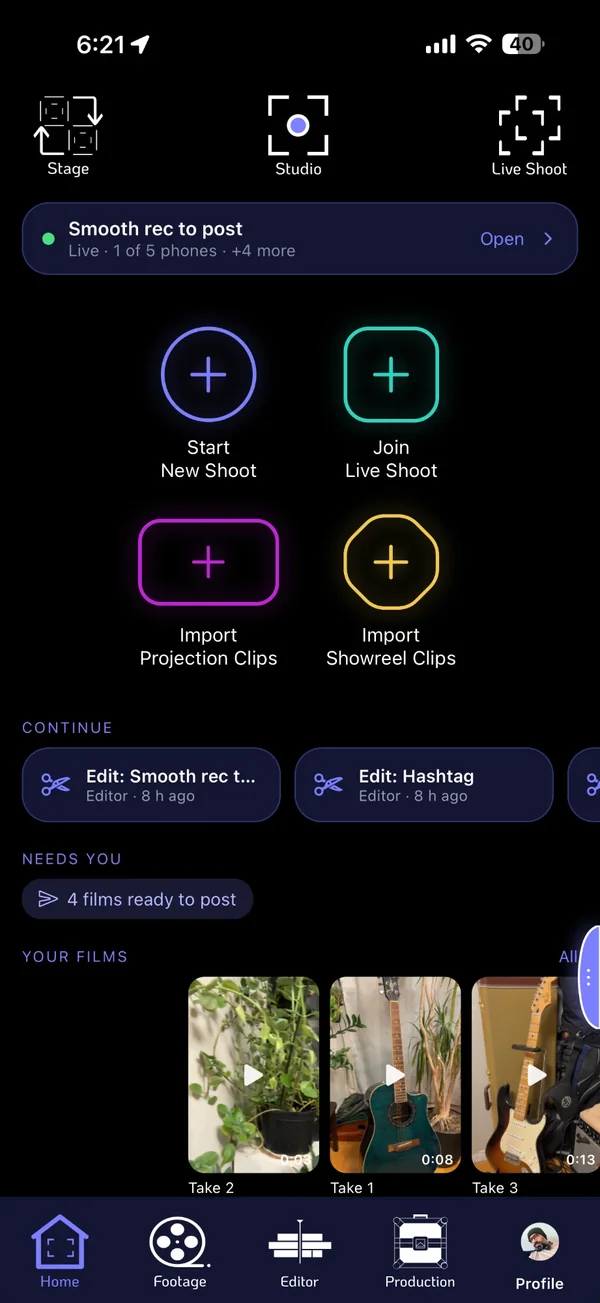
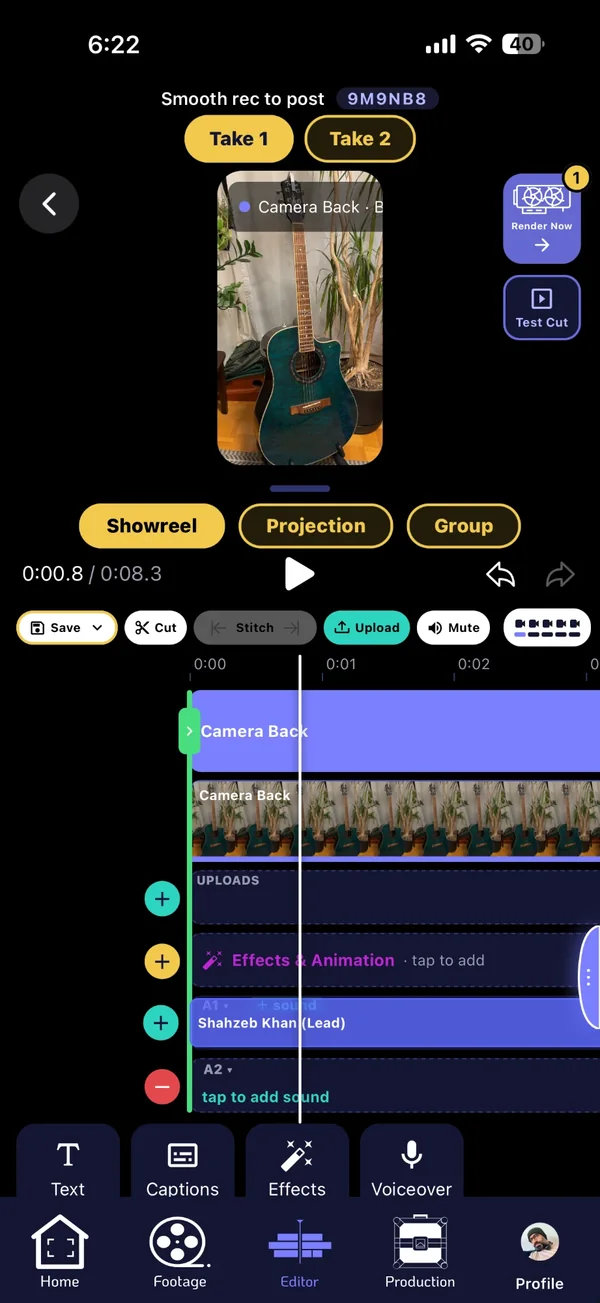
Studio is your production desk. Start a shoot or join one, pick up where you left off, and turn every angle into a finished reel without leaving your phone.
Then the best part: Stage.
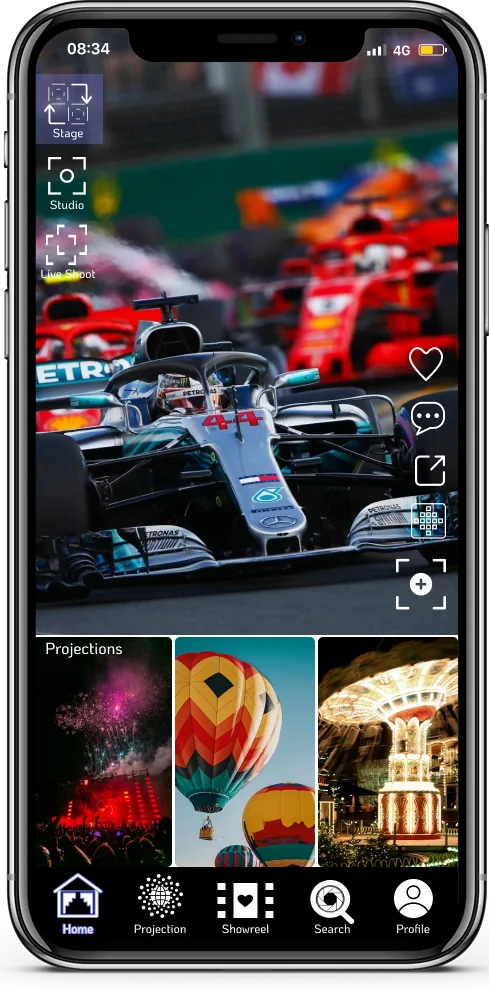
Where every reel finds its audience. Reels play full screen: swipe for the next one, follow the people you love, and find Projections waiting right below.
- For you and Following feeds
- Like, comment, repost and save
- Remix, Splice and Cameo with one tap
Projections: watch it from where you'd have stood.
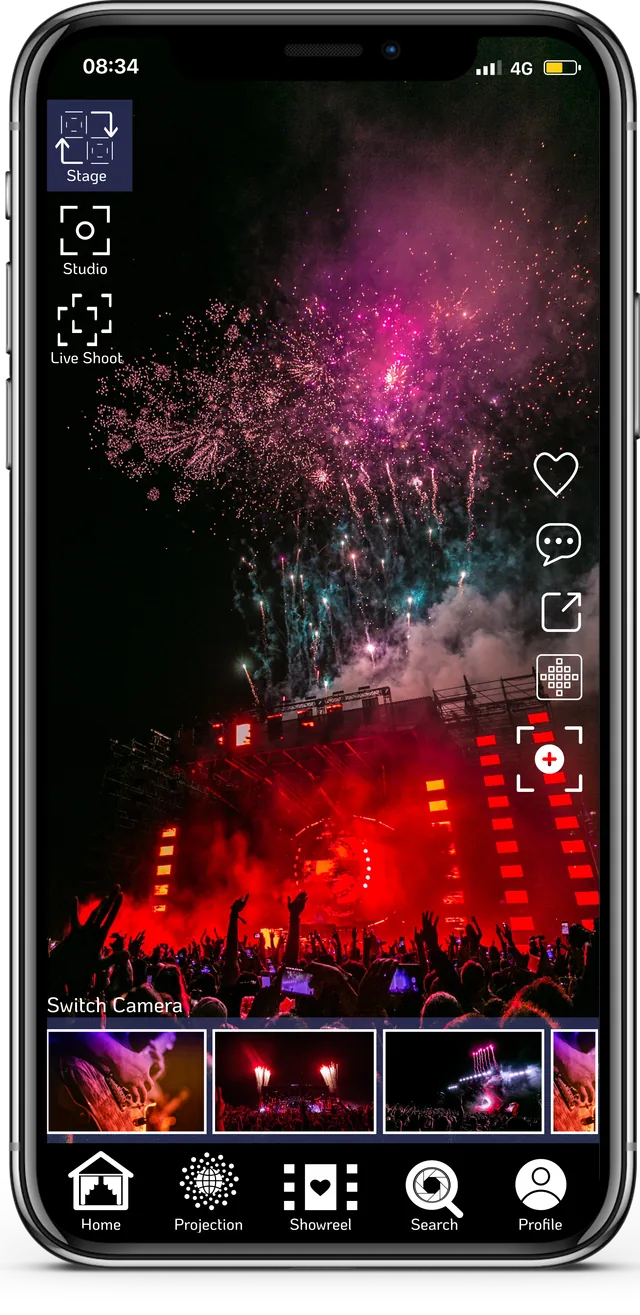
Don't just share a video. Share the whole moment. Every phone at the shoot becomes an angle, and viewers choose theirs while the reel plays.
- Watch the momentThe reel plays full screen, like any other.
- See every angleThe Switch Camera strip shows what each phone filmed.
- Tap to switchThe reel jumps to that view and keeps playing from the same moment.
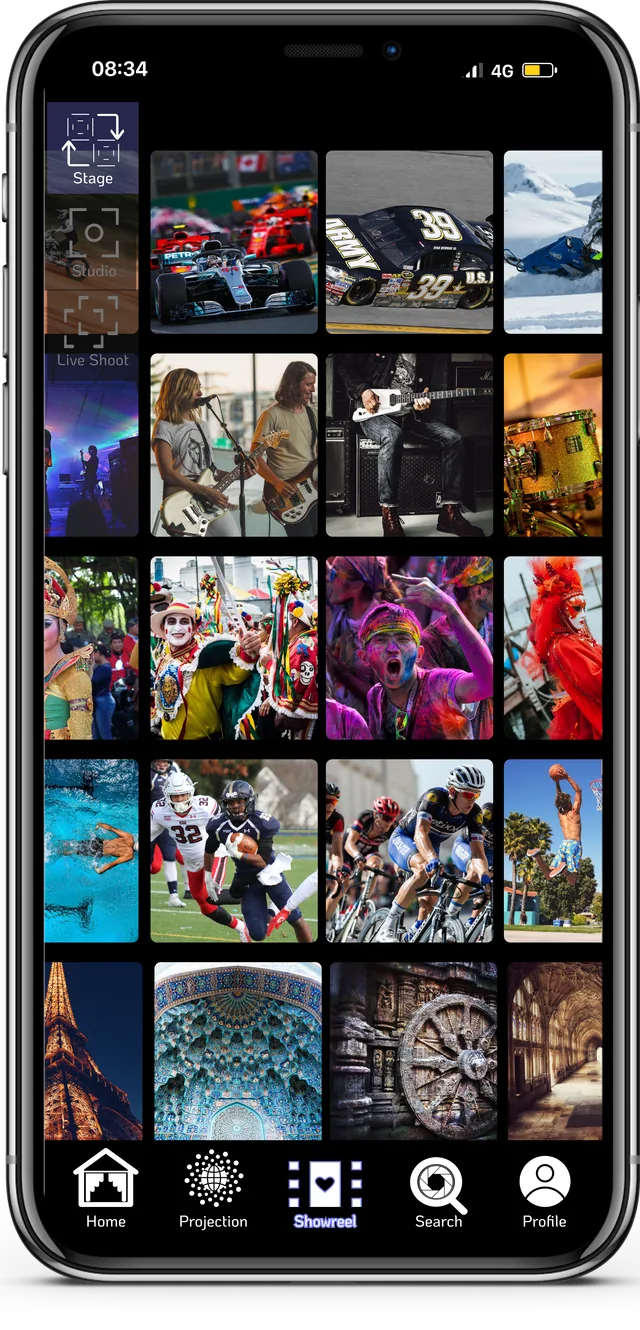
A wall of reels to get lost in.
Racing, music, festivals, sport and travel, side by side. Slide a row or a column like a Rubik's cube, and tap anything that catches your eye.
- Browse by category
- Slide rows and columns
- Tap a reel to watch it full screen
Built for real shoots
The practical stuff that makes it work on the night.
Every reel is a starting point
Remix a reel, splice reels together, or cameo side by side with the creator. The original creator is always credited.
Get the whole moment.
Free on iPhone. Bring four friends.
[App Store button: after approval]